
Digital Fluency
Hands on workshops to build practical, real world skills with today’s most useful digital tools.
Technology is constantly changing, and knowing how to use it creatively and confidently matters more than ever. Digital Fluency sessions are about empowering our community to explore, experiment, and build real world skills with today’s most exciting digital tools. Through hands on, guided sessions, we help turn curiosity into confidence and ideas into action.
Led by RU-N IT staff, these sessions focus on practical skills you can apply right away. Whether you are curious about 3D printing, experimenting with artificial intelligence, creating videos, or starting a podcast, our goal is to make these technologies more approachable and easier to understand.
Who can attend
Sessions are open to students, faculty, and staff. No prior experience is required unless otherwise noted.
Sessions
View all sessions and register
3D Printing
Turn digital ideas into real, physical objects.
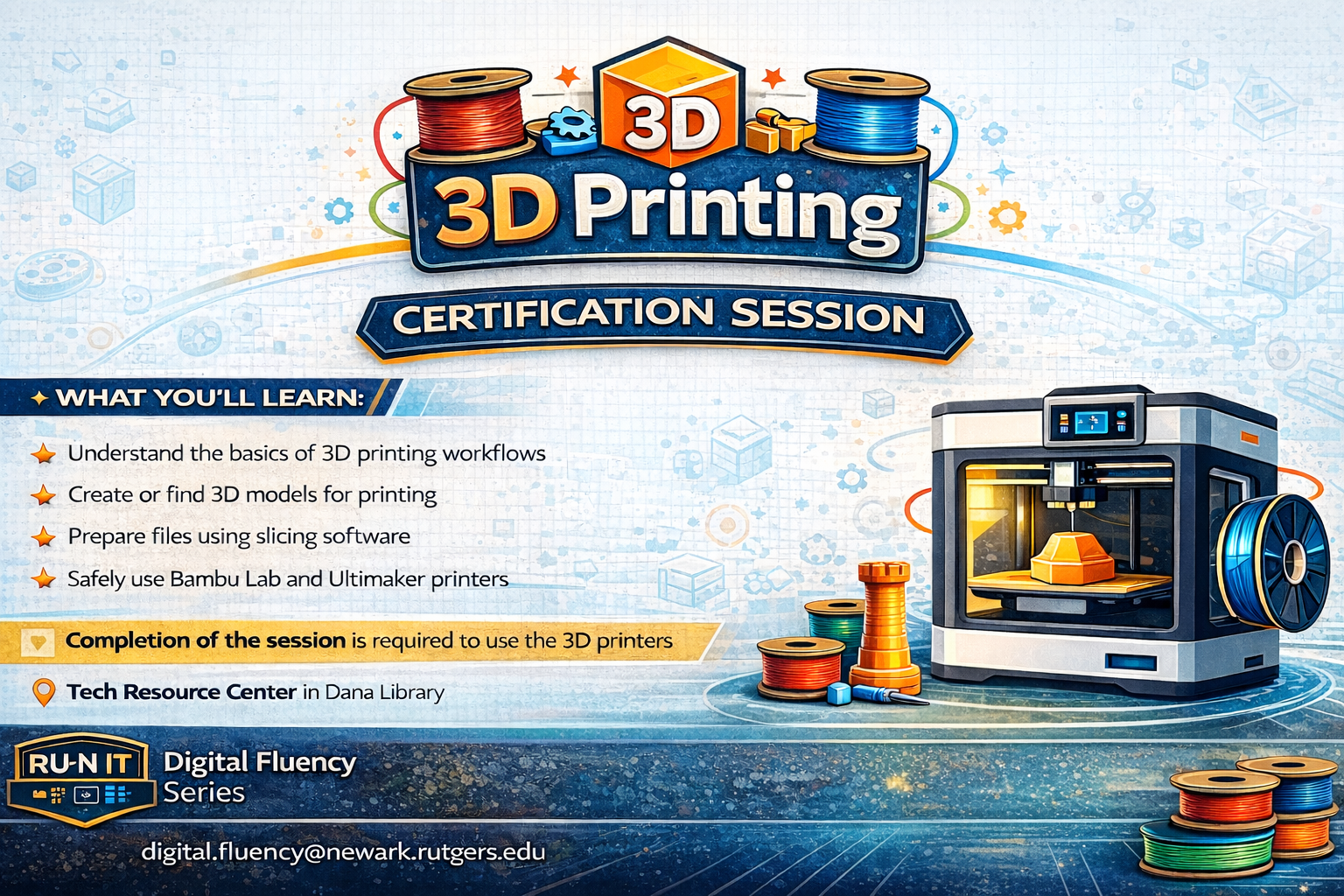
Learn how to turn digital ideas into real, physical objects. This hands on session introduces the basics of 3D printing, including creating or finding 3D models, preparing files in slicing software, and safely using Bambu Lab and Ultimaker printers. Participants who complete the session will be ready to start printing their own projects in the Dana Library Tech Resource Center.
- Create or find a 3D model
- Prepare files using slicing software
- Learn safe printer setup and best practices
Artificial Intelligence
Explore AI tools for learning, creativity, and productivity.
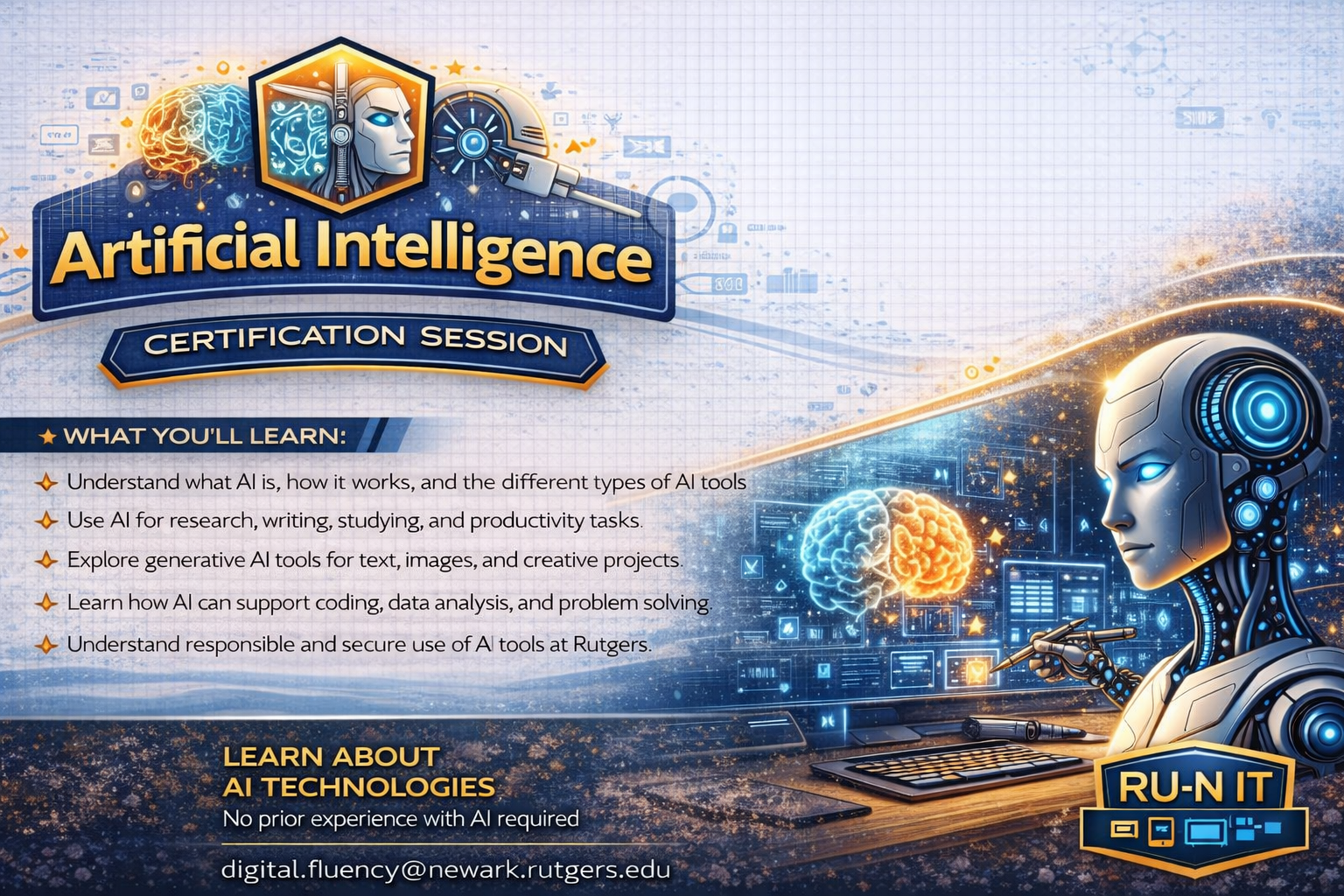
Discover how artificial intelligence can support your learning, creativity, and productivity. Led by RU-N IT staff, this interactive session introduces modern AI tools through live demonstrations and hands on activities. You will explore real world use cases such as research, writing, coding, and productivity, while also learning about responsible and ethical use of AI technologies.
- See practical examples you can apply immediately
- Practice prompting and evaluating AI output
- Learn responsible and ethical use basics
Podcasting
Record, edit, and produce a podcast from start to finish.
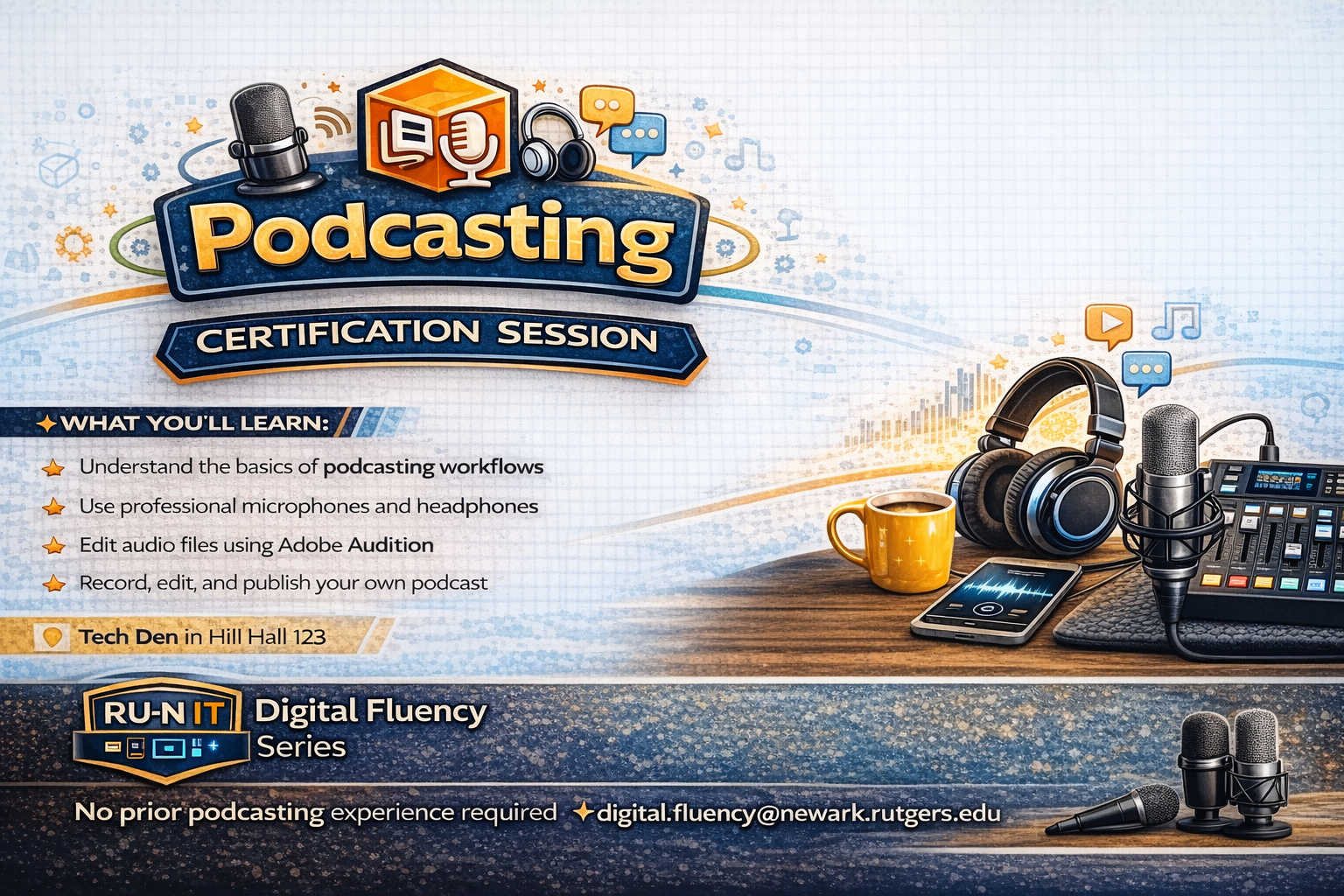
Learn how to plan, record, and produce a podcast from start to finish. This session covers the fundamentals of podcast creation, including microphone basics, recording techniques, audio editing, and storytelling strategies. Participants will gain practical skills to create clear, engaging, and professional sounding audio content.
- Set up a simple recording workflow
- Edit audio for clarity and consistency
- Learn storytelling and format basics
Video Editing
Learn a repeatable editing workflow using Adobe Premiere.
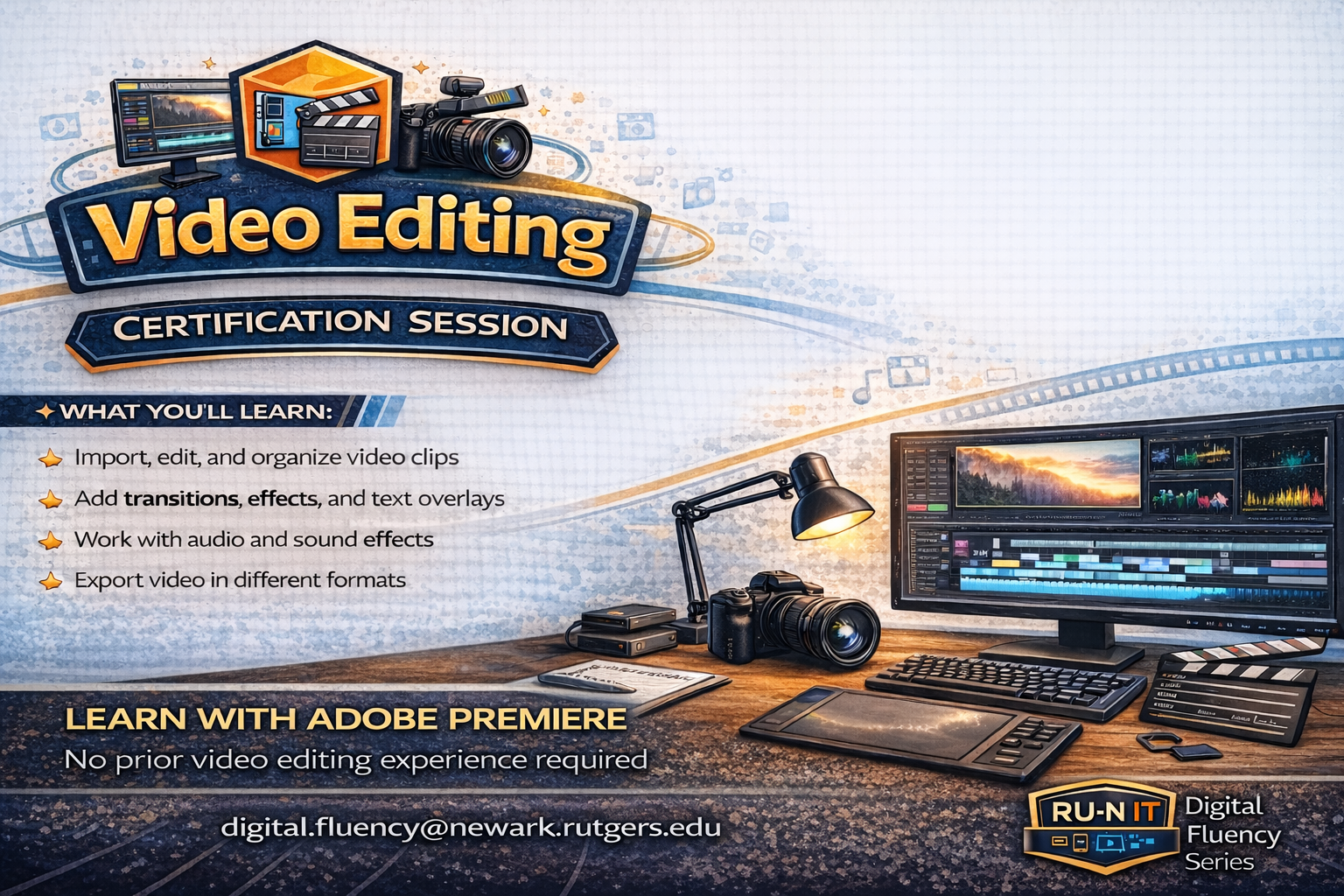
Build essential video editing skills and learn how to turn raw footage into polished content. Using Adobe Premiere, this session introduces core editing techniques such as cutting and arranging clips, adding audio and titles, and exporting finished videos. Ideal for coursework, presentations, or personal creative projects.
- Edit clips, audio, and titles with confidence
- Learn a repeatable workflow for projects
- Export settings for high quality results